Why Food Courts Need Dedicated Offline POS Software
October 07, 2025 in Product

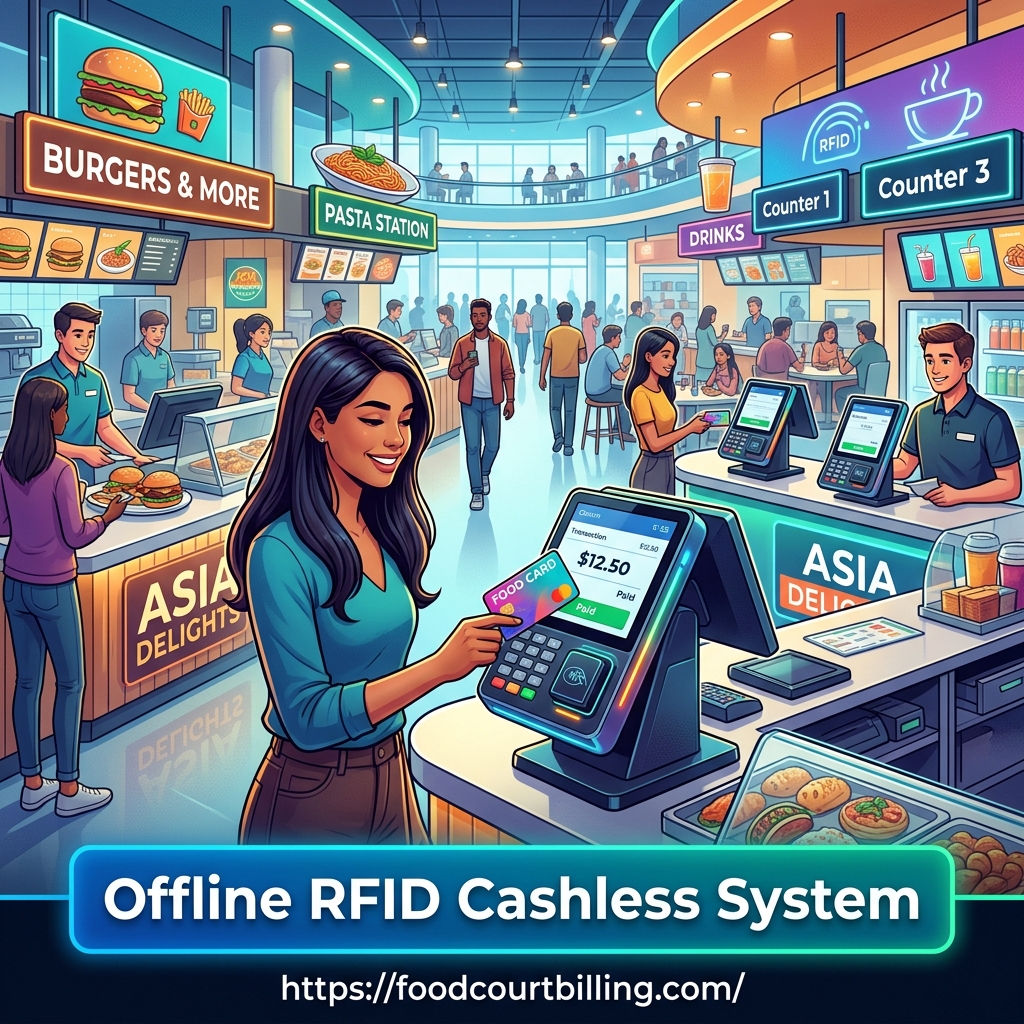
A food court's heartbeat is speed: fast orders, quick payments, and reliable daily reconciliation. Offline POS software designed for food courts ensures transactions stay smooth even when internet connectivity fails.
Food courts and large canteens face unique operational pressures -peak-demand windows, multiple vendors, and heavy foot traffic. A POS that depends solely on the cloud or mobile networks can suffer outages or latency at critical times.
An offline Windows-based POS solution processes transactions locally on each terminal and synchronizes data when the network is available. This model combines reliability with centralized reporting, making it ideal for food courts, malls, and institutional canteens.
Core Advantages of Offline POS for Food Courts
- Zero dependency on live internet: Transactions continue during network outages, avoiding lost sales and frustrated customers.
- Faster local processing: Local databases and direct RFID reader integration mean millisecond-level transaction responses and shorter queues.
- Data ownership & security: Sensitive financial and customer data remains on your Windows systems, reducing exposure to third-party cloud risks.
- Seamless RFID & prepaid card support: Integrate tap-and-pay workflows for loyalty cards, staff IDs, or event RFID cards to speed payments and manage balances.
- Robust reporting: Generate vendor settlements, daily takings, and unused balance reports with Excel exports for easy accounting.
What Features Matter Most
When evaluating offline POS software for a food court, prioritize the following capabilities:
- Local transaction ledger: Ensures every sale is recorded instantly on the terminal.
- RFID/readers support: Plug-and-play compatibility with common RFID readers for quick tap payments.
- Vendor-level reporting: Track sales per stall, split payouts, and export vendor statements.
- Reconciliation tools: Simple end-of-day reports and adjustments to match cash, card, and prepaid balances.
- User roles & access control: Limit who can refund, close shifts, or modify prices for accountability.
Financial & Operational Benefits
Implementing an offline POS increases operational uptime - which directly affects revenue - and reduces administrative overhead through automation. Key benefits include:
- Reduced queue times and improved customer throughput.
- Lower reconciliation effort thanks to automated daily exports.
- Unclaimed balance management for prepaid cards, improving cash recovery.
- Improved vendor transparency with per-stall sales reports and settlement histories.
Deployment Checklist: Getting Started
- Assess terminal hardware - verify Windows PCs/tablets meet minimum specs for your POS.
- Choose compatible RFID readers if you plan to support prepaid or staff cards.
- Map menu and pricing - set up categories, modifiers, and vendor assignments.
- Configure reports and exports - ensure Excel or CSV output matches your accounting needs.
- Train staff - short drills on refunds, voids, and offline sync processes reduce errors.
- Run a pilot at low-traffic hours and validate reconciliation before full rollout.
Comparison Table: Offline POS vs Cloud POS (Food Court Context)
| Aspect | Cloud POS | Offline POS (Windows) |
| Network Dependency | High - requires continuous internet | Low - works without internet, syncs later |
| Transaction Speed | Variable - depends on latency | Consistent - local processing is faster |
| Data Control | Hosted on third-party servers | Local data with optional secure sync |
| RFID/Prepaid Support | Usually supported | Built-in local support, ideal for offline tap-pay |
Conclusion
For food courts, malls, and campus canteens where uptime, speed, and vendor transparency are essential, an offline POS software running on Windows systems is often the smarter choice. It delivers reliable transactions during network outages, excellent RFID/prepaid card support, and the reporting tools managers need to run operations smoothly.
If you're evaluating POS options for a multi-stall environment, consider piloting an offline solution to experience the performance and reconciliation advantages firsthand.
You can reach us by phone at +91 9810078010 or by email at ats.fnb@gmail.com. Thank you for your interest in our services.
FAQs
Q1. What is offline POS software for food courts?
Offline POS software processes transactions locally on Windows terminals without requiring a live internet connection, ideal for high-traffic food court environments.
Q2. Can offline POS systems handle RFID/prepaid cards?
Yes. Most offline POS solutions integrate with RFID readers to support prepaid cards, loyalty programs, and quick tap payments at vendor counters.
Q3. How are reports handled in an offline POS?
Reports are generated locally (sales, vendor settlements, unused balances) and can be exported to Excel or CSV. When networked, data can be consolidated centrally.
Q4. Are offline POS systems secure?
When installed on secure Windows machines with appropriate user roles and backups, offline POS systems keep financial data locally, reducing exposure to third-party cloud risks.
Q5. How do I migrate from coupons or cloud POS to an offline POS?
Migration involves hardware checks, data mapping, configuring RFID readers (if needed), staff training, and running pilot tests before full deployment.
For a tailored demo or to discuss how offline POS software can be implemented in your food court, contact us at +91 9810078010 or ats.fnb@gmail.com - or visit https://www.foodcourtbilling.com