Cafeteria Billing Software: Offline RFID Solution | ATS
April 03, 2025 in Blog
Boost cafeteria efficiency with ATS! Our offline RFID Cafeteria Billing Software offers rapid payments, eliminates cash & ensures reliable operation.
Picture this: long lunch queues in your organization's cafeteria, employees checking the time, and staff struggling with cash transactions. These inefficiencies create significant bottlenecks that cost more than just time. Fortunately, there's a solution: Offline RFID Prepaid Card Cafeteria Billing Software.
The Problem with Traditional Cafeteria Systems
Long Queues Impact Productivity
When employees spend 10-15 minutes waiting to pay, that's valuable time lost. These delays create user frustration and overwhelming peak hours for staff, increasing error potential.
Cash Handling Risks
Physical cash presents numerous challenges:
- Security vulnerabilities to theft and misplacement
- Time-consuming reconciliation processes
- Hygiene concerns in food service environments
- Risk of counterfeit currency
Manual Tracking Challenges
Tracking subsidized meals manually is prone to errors:
- Difficulty applying specific subsidy rules accurately
- Challenges monitoring consumption patterns
- Tedious reporting processes
Lack of Actionable Data
Without proper systems, you miss valuable insights on:
- Sales performance of different menu items
- Peak time patterns for optimal staffing
- Accurate inventory consumption data
What is Offline RFID Prepaid Card Cafeteria Billing Software?
This standalone ecosystem operates entirely within your premises without requiring constant internet connection.
System Components
- Core Software: The main application runs on a dedicated computer within your facility
- Local Network Connection: POS terminals and RFID readers connect via your internal LAN
- Independence: Operations continue even if internet connectivity is lost
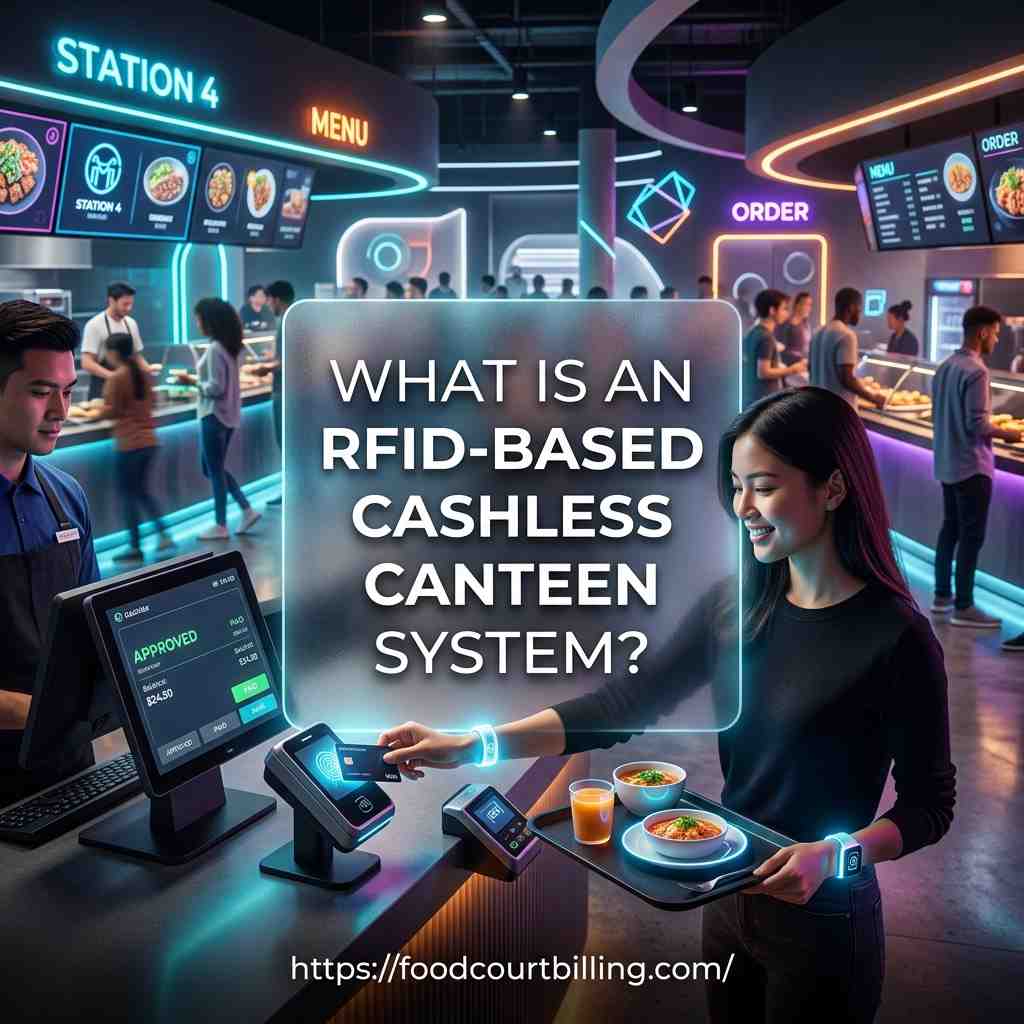
How RFID Prepaid Cards Work
- Each user receives a unique RFID card linked to their account in the local system
- Users add funds at designated points connected to the local network
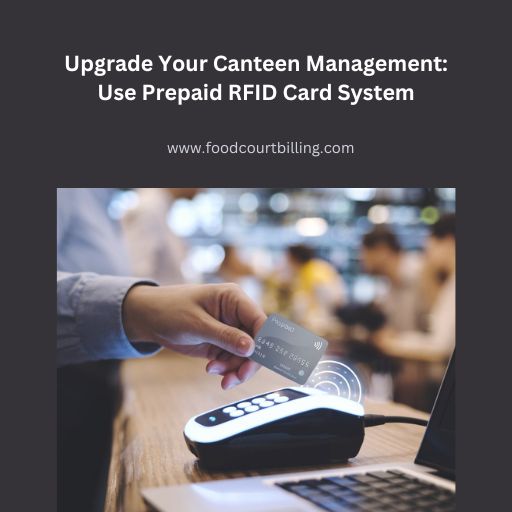
- At checkout, users simply tap their card on the reader
- The system instantly verifies and deducts the amount from their balance
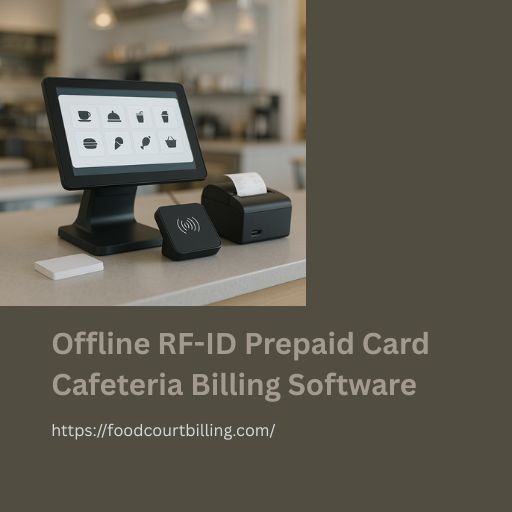
Key Components
- POS Terminals: Where staff enter orders
- RFID Card Readers: Connected to each terminal
- Secure RFID Cards: Containing unique identification chips
- Central Computer/Server: Hosts the main application
- Optional components: Offline recharge terminals and receipt printers
Benefits of an Offline RFID Cafeteria Solution
Faster Transactions = Shorter Queues
RFID card taps take seconds, significantly reducing wait times during peak hours.
Enhanced Security & Accuracy
Moving to a cashless system eliminates risks associated with physical money, while integrated tracking ensures accurate transaction logging.
Reliable Operations Independent of Internet
Your cafeteria billing continues running smoothly even during internet outages, ensuring service continuity.
Accurate Tracking & Reporting
The system logs every transaction locally, providing clear insights into cafeteria performance, popular items, and subsidy usage.
Simplified Subsidy Management
Configure complex meal subsidies by department, shift, or user type that apply automatically during transactions.
Improved User Experience
Users simply carry and tap their RFID card—quick, clean, and convenient.
Daily Workflow with RFID Cafeteria Billing
- Card Assignment: Each employee receives an RFID card linked to their account
- Fund Loading: Users add value to their card at designated offline stations
- Meal Selection: Users choose their food items
- POS Billing: Staff inputs selected items into the terminal
- Card Tap: User taps their RFID card on the reader
- Instant Processing: System verifies and deducts the amount locally
- Transaction Logging: Details are securely recorded for reporting
This entire process typically takes just seconds, dramatically speeding up checkout compared to cash.
Implementation Steps
Software & Hardware Setup
- Install the main software on your dedicated computer
- Connect POS terminals and RFID readers via your LAN
- Configure menu items, pricing, user groups, and subsidy rules
Required Hardware
- Computer/Server for hosting the software
- POS Terminals for billing counters
- RFID Card Readers for each POS
- RFID Prepaid Cards for users
- Optional recharge stations
Training & Communication
Ensure staff are comfortable with the new system and inform users about card acquisition, fund loading, and the tap-to-pay process.
Data Security
Implement strong passwords, user access controls, and regular backup routines to protect your local data.
Choosing the Right Partner
The right software provider ensures smooth installation, proper configuration, and knowledgeable support. Look for experience with offline, RFID-based systems specifically designed for cafeterias.
Conclusion
Inefficient cafeteria operations drain resources and morale. Implementing offline RFID prepaid card billing software provides a reliable solution that operates independently of internet connectivity.
The system offers faster transactions, eliminates cash handling risks, enhances security, provides accurate data tracking, and ensures uninterrupted service. It streamlines workflows, simplifies subsidy management, and improves the user experience.
Investing in the right cafeteria billing software transforms your cafeteria from a bottleneck into a smooth-running asset. Say goodbye to queues and cash hassles with a modern, efficient solution tailored to your organization's needs.
FAQs:
- What is offline RFID cafeteria billing software?
This Cafeteria Billing Software uses RFID cards for payments & runs on a local computer, not needing the internet. It stores data locally for secure, reliable transactions even without connectivity. ( - How do RFID cards work for payments offline?
Funds are loaded onto the card via a local terminal. At POS, tapping the card deducts the amount from the locally stored balance instantly using your internal network, no internet required. - Is offline cafeteria billing software secure?
Yes, data stays on your local server, reducing external threats. Secure RFID tech & local software access controls protect user accounts and transaction info within your Cafeteria Billing Software. - Do I need internet for this cafeteria system?
No. The core benefit of an offline Cafeteria Billing Software is its independence. All billing, balance checks, and data storage happen reliably on your local network without internet. - What are the main benefits of offline RFID billing?
Faster queues via tap-and-go RFID, no cash risks, reliable operation without internet, accurate local tracking & reporting, and simplified subsidy management are key advantages.
6. Is setting up offline cafeteria software difficult?
With a good provider like ATS, setup involves local software installation & hardware connection (POS, readers). Basic staff training is needed but it's generally straightforward.
Cashless Card Payment System for Food Court and Canteen
Upgrade your establishment with our Prepaid Card Software and take your business to the next level.
Conclusion
The cashless prepaid card payment system offers several advantages including increased speed and convenience, increased security, increased revenue, reduced costs, and increased customer loyalty and repeat business. With its easy implementation and integration with existing systems,
You can reach us by phone at +91 9810078010 or by email at ats.fnb@gmail.com. Thank you for your interest in our services. If you want to more information just visit https://www.foodcourtbilling.com